How to see your WikiTree family tree on a map (walkthrough)
TreeAlive turns a WikiTree ID into an animated map of that family's migrations: no sign-in, no file to export, and it never changes anything on WikiTree. This walkthrough uses a famous public tree first, so you can follow along and see the exact same screens, then you run your own ID the same way. The import is powered by WikiTree and reads public profiles only.
Step-by-step instructions
1
Open the WikiTree import box
Go to treealive.com/wikitree. It takes you straight to the box labeled "On WikiTree? Import your ancestors here." There is no account to create and nothing to install.
2
Type the practice ID: Roosevelt-1
Type Roosevelt-1 into the ID field and click Import. That is Franklin D. Roosevelt's WikiTree ID, so anyone who types it sees the same screens you are about to see. A WikiTree ID is always the last part of a profile's web address: wikitree.com/wiki/Roosevelt-1.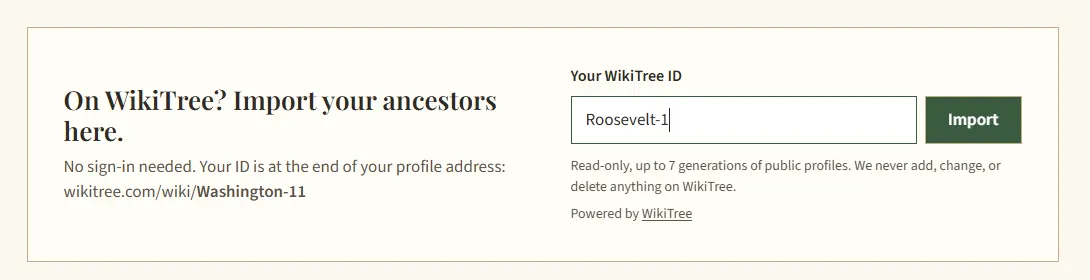
3
Pick "Full Family Tree," then "Begin the Journey"
A few seconds later you get "Your Tree Is Ready." At this writing the Roosevelt import finds 219 profiles; yours may differ slightly as WikiTree members refine the tree. Choose Full Family Tree so siblings, cousins, and spouses' lines come along, then click the green Begin the Journey button.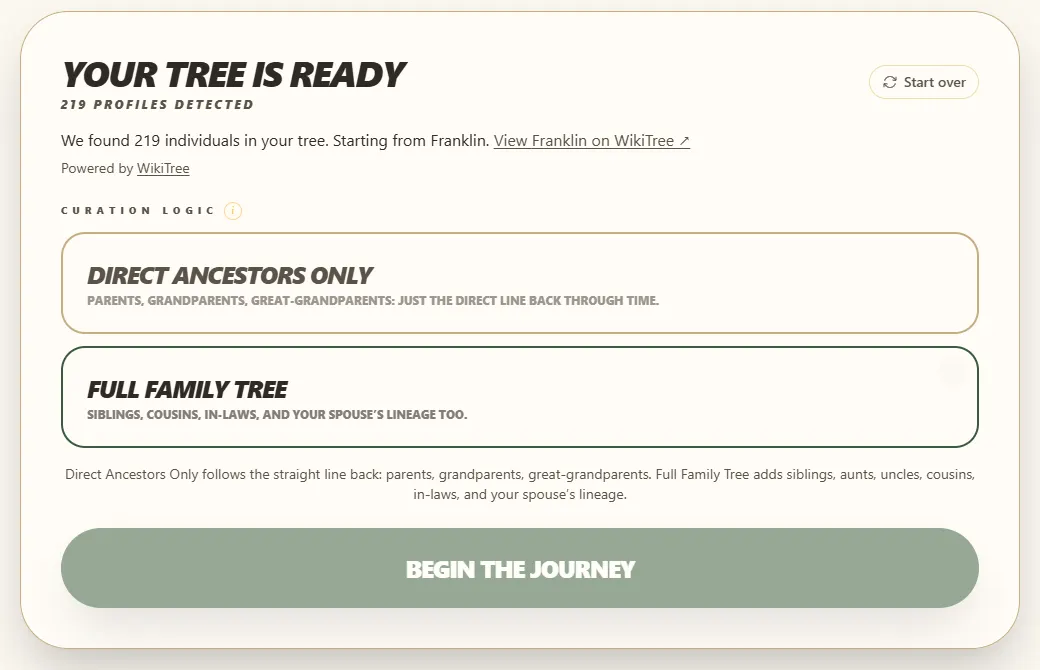
4
Let it map the places
TreeAlive now reads every birth, marriage, and death place in the tree and finds each one on the map. For a tree this size it takes around a minute. Keep the tab in the foreground while it works; browsers slow background tabs to a crawl.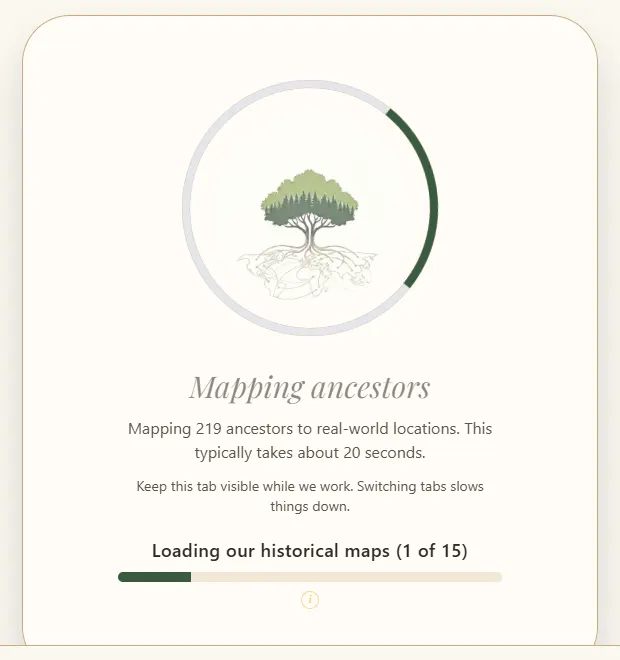
5
You arrive at the hub
The finished screen says "Your family is on the map": 217 ancestors placed across 292 places. Every tab along the top is a different way to look at the same tree, and the rest of this walkthrough clicks through them one at a time.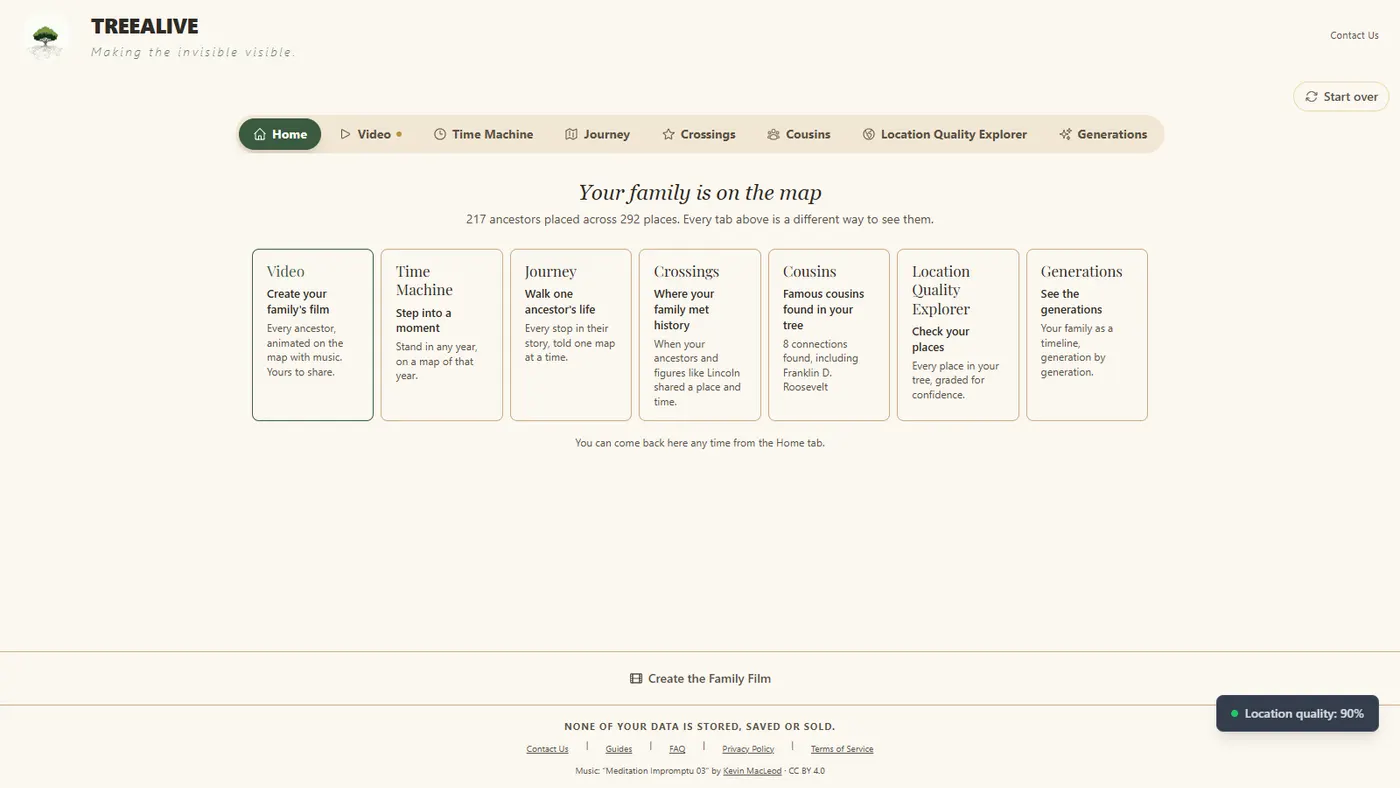
6
Journey: walk one ancestor's life
Open the Journey tab and pick anyone in the list. Try Phillippe De Lannoy (1602 to 1681), the Delano line behind Franklin Delano Roosevelt's middle name, who went from Leiden in the Netherlands to Duxbury in Plymouth Colony. Each stop of a Journey is drawn on a historical map matched to that place and era.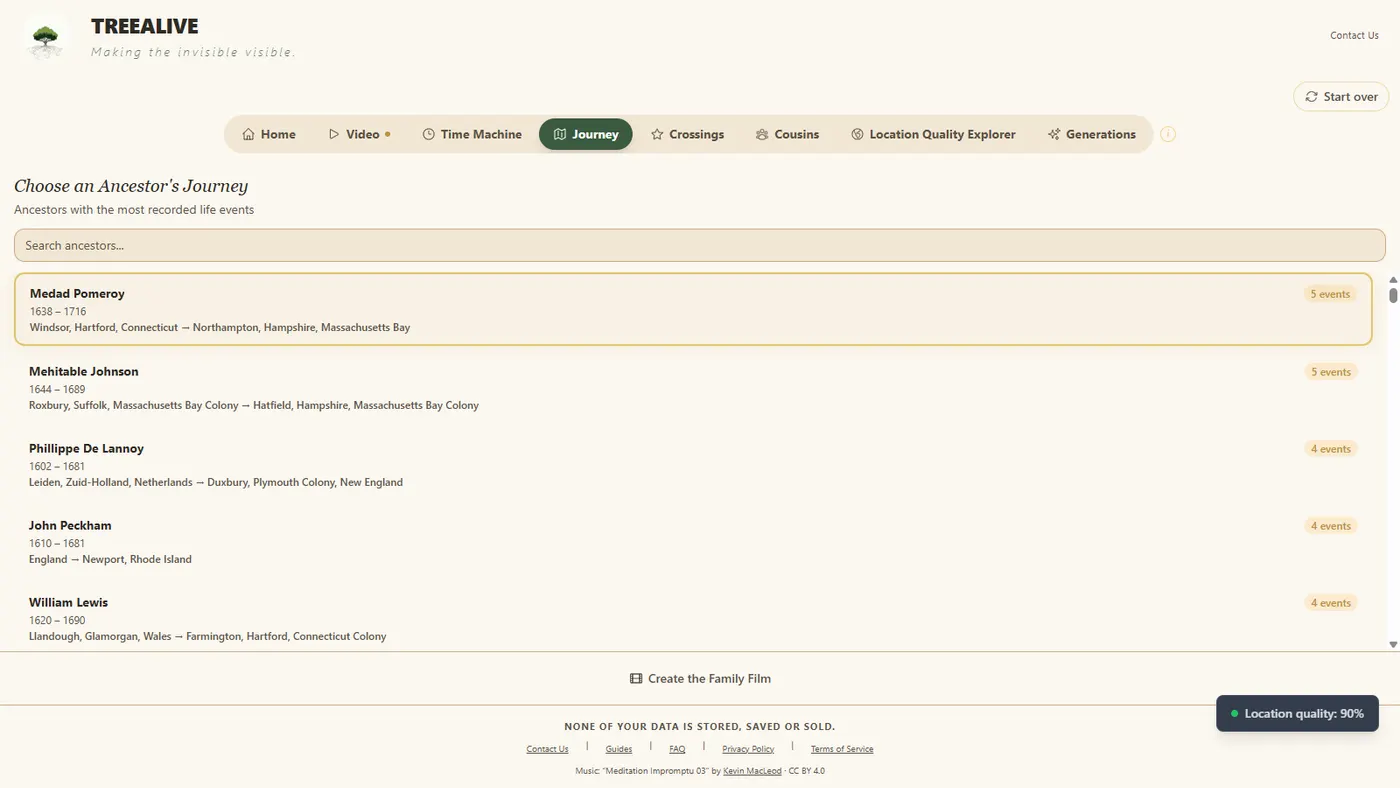
7
Time Machine: the whole family at once
The Time Machine tab shows every place in the tree on one map: New England, the Hudson Valley, England, and the Low Countries in this tree's case. Click an ancestor dot to travel to that spot in that year, on a map drawn in that era.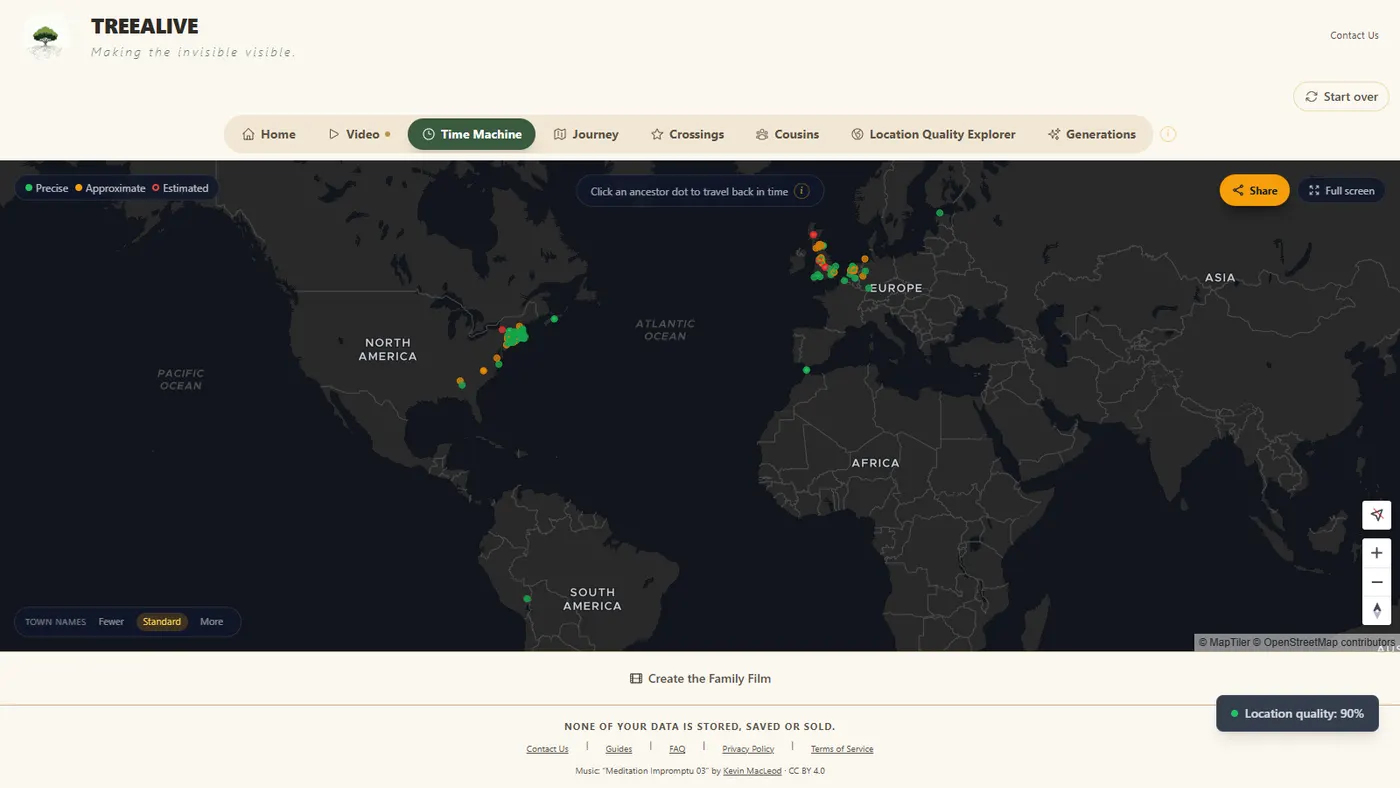
8
Crossings: where this family met history
The Crossings tab looks for places and years where ancestors in the tree and documented historical figures overlapped. The Roosevelt tree crosses paths with 117 historic figures. The top crossing on our run: William Bradford of the Mayflower was in Plymouth, Massachusetts in 1657, while FDR's ancestor Eleazer Cushman was in Plymouth that same year. Every crossing shows its source and says plainly whether it is documented in the same place or simply nearby.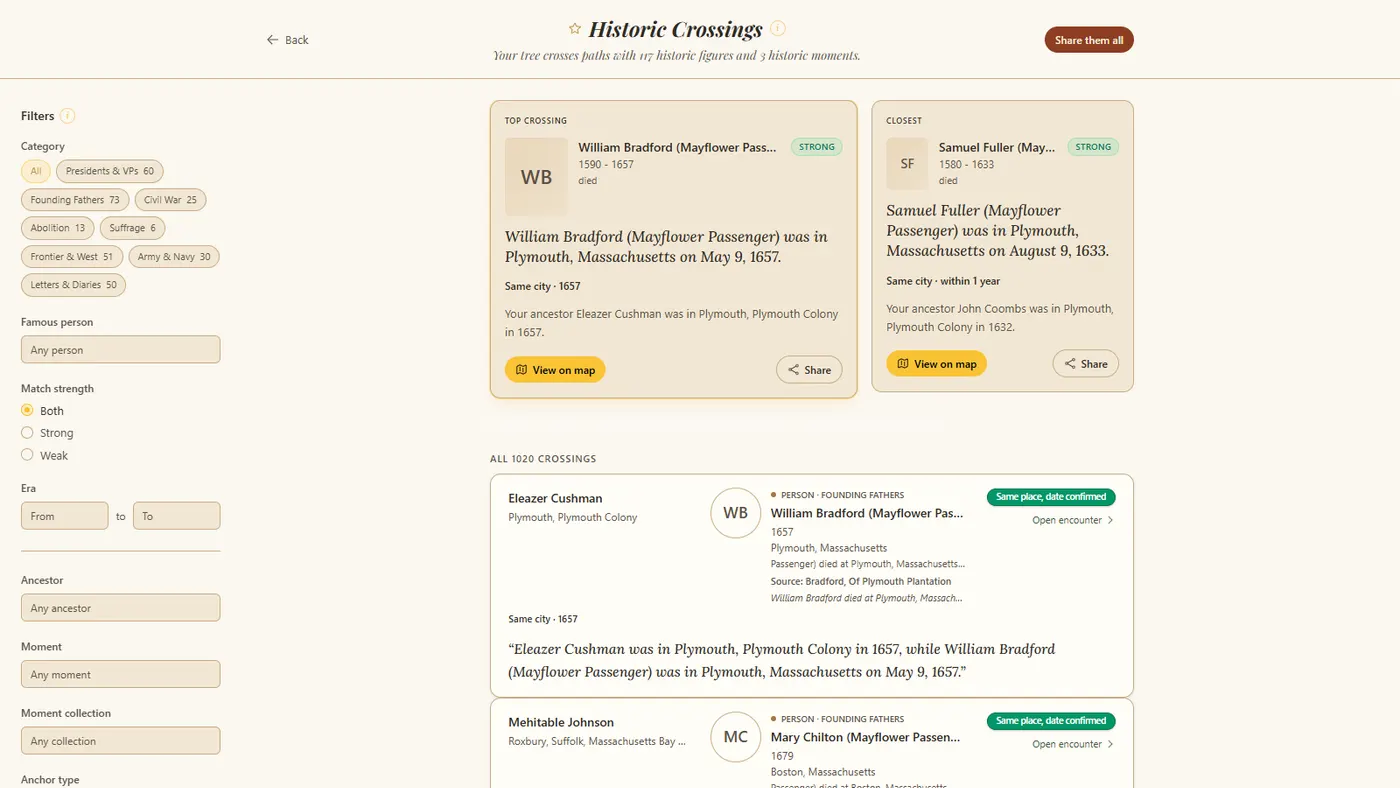
9
Cousins: famous relatives found in the tree
The Cousins tab scans the tree against documented lineages of notable figures. On the Roosevelt tree it finds 8, and the first is Franklin D. Roosevelt himself. Theodore Roosevelt, Eleanor Roosevelt, Ulysses S. Grant, and Laura Ingalls Wilder follow. On your own tree this tab only shows results when a documented connection exists, and it stays empty when there is none.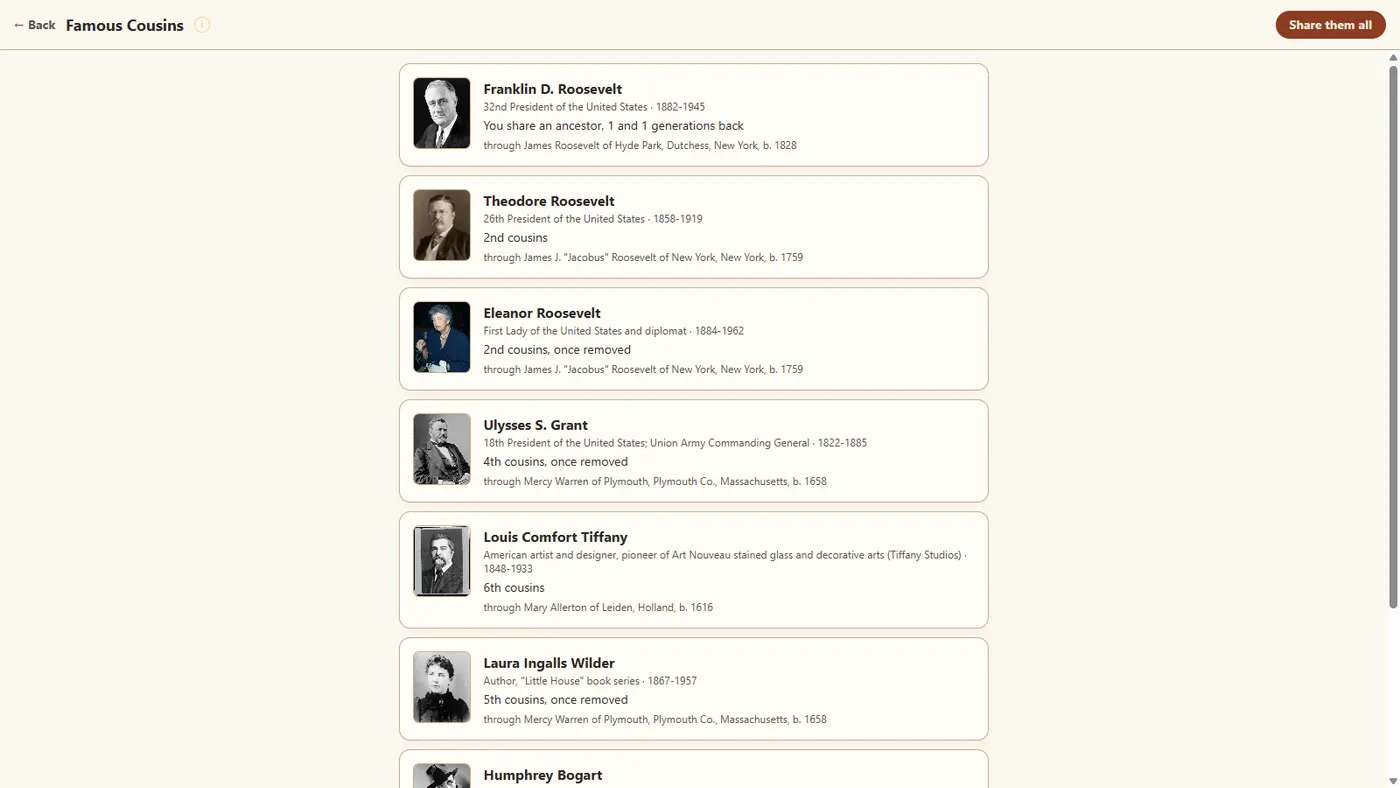
10
Location Quality: check the places
Before trusting any map, see how sure it is. The Location Quality tab shows every place in the tree, graded Precise, Approximate, or Estimated. The Roosevelt run graded 532 of 620 places precise. When you know better than the machine, click the point and hit the flag button: the report comes straight to me, and nearly every accuracy fix I have shipped started with one.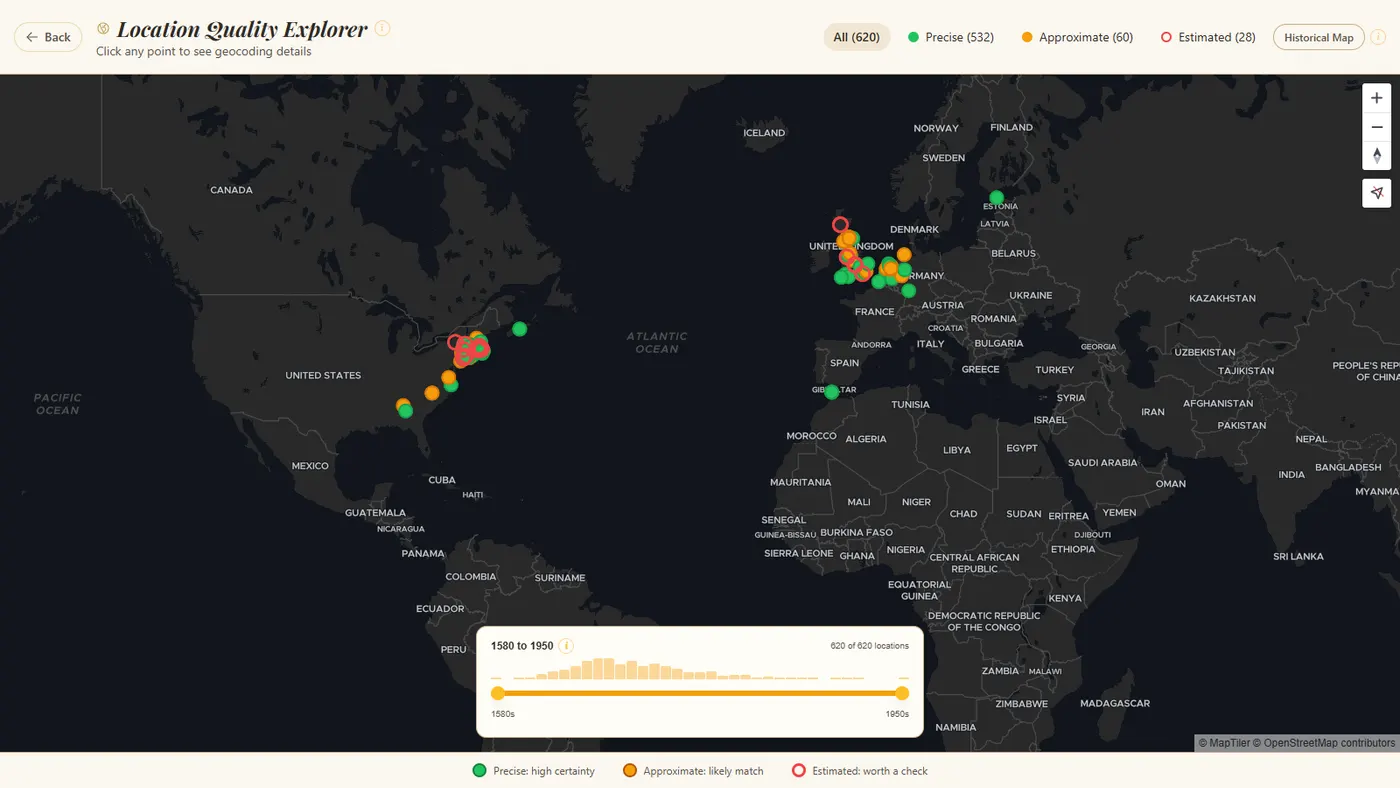
11
Now run your own ID
Click Start over in the top corner and type your own WikiTree ID this time. The import is read-only, reaches up to 7 generations of public profiles only, and every person shown links back to their WikiTree profile. Profiles WikiTree protects as private are not read.
12
Share what you found
Open the Video tab and click Create the Family Film: a short film of your family's migrations, downloadable as an MP4 and shareable by link. Journeys, Crossings, and Time Machine moments make share links too. Hand one to the relative who would never open a genealogy program.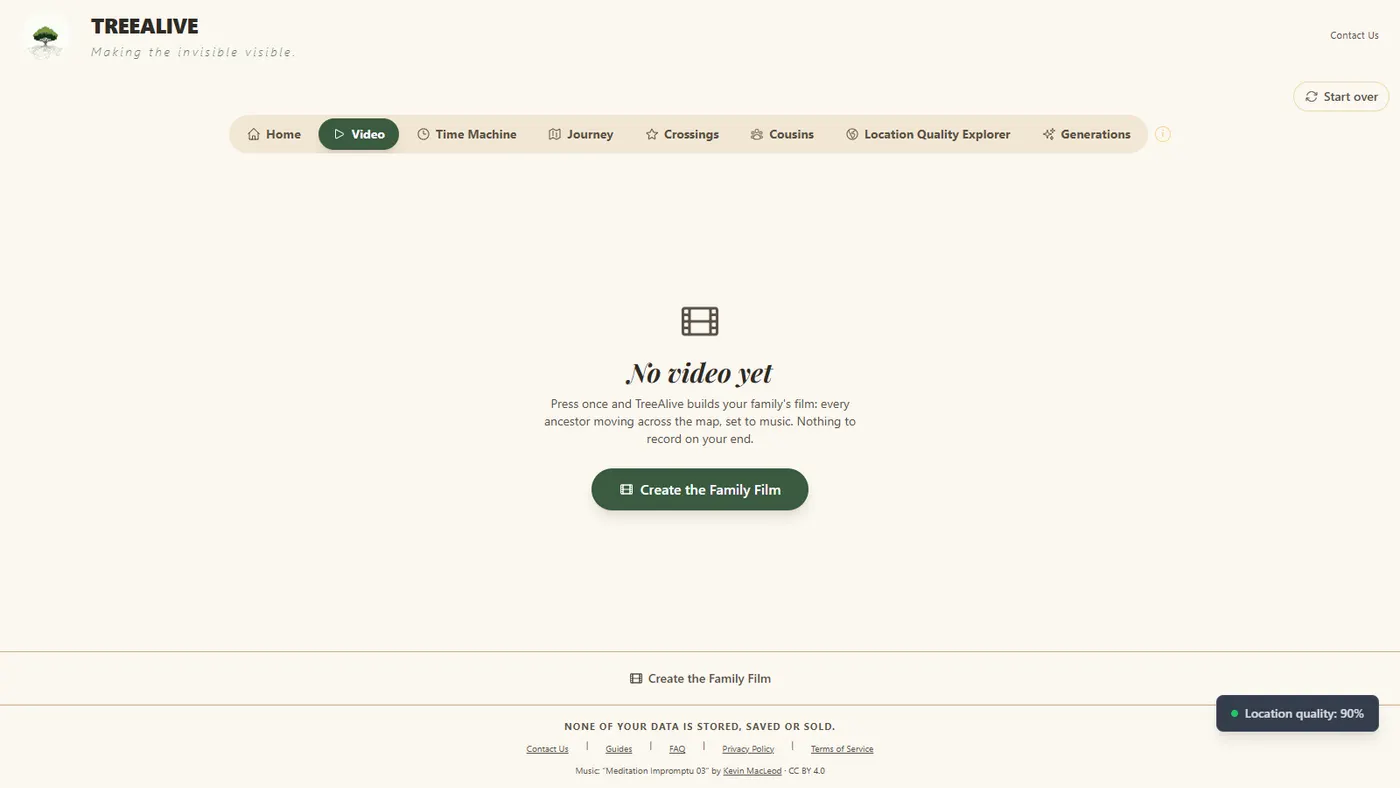
Tip
A WikiTree profile contributes its birth, marriage, and death to the map, so Journeys are built from those events. If you also keep your tree in a desktop program or on Ancestry, a GEDCOM upload carries structured census and residence events as well, which makes for longer journeys. See how to get a GEDCOM file.See what you'll create
Watch a sample video
Watch an ancestry journey unfold across the map over hundreds of years.
Watch video
Explore the Time Machine
Click any ancestor to see their world on a real historical map from their era.
Explore example
Import from WikiTree and watch the family move
You choose a starting ancestor, and the map fills in from the places in the file.
Import from WikiTree Free · No account needed · We keep no copy of your tree